Results
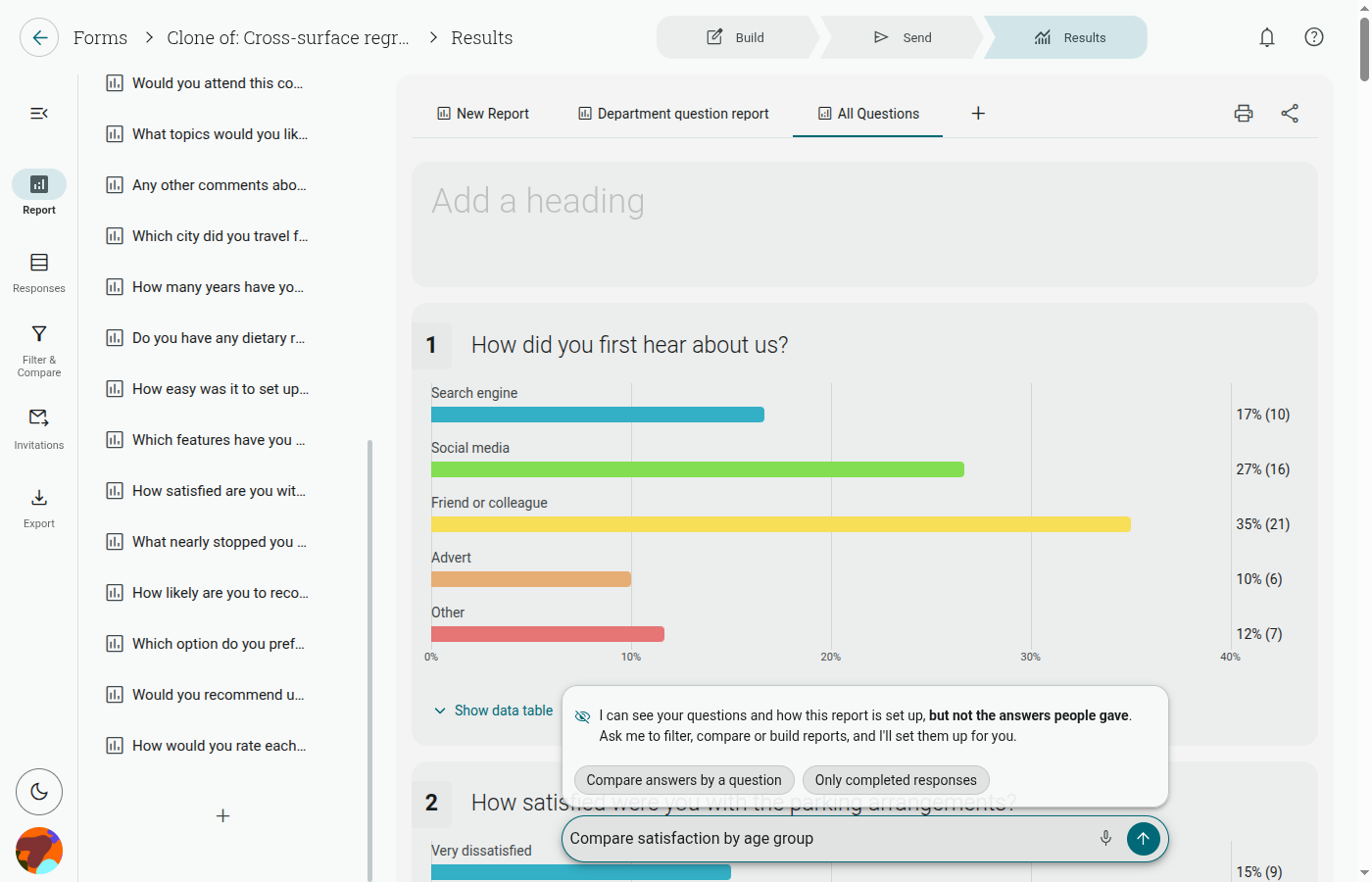
The Results area brings your response data, reports, filters, comparisons, invitations, and printing tools together in one place.
Start with All questions, or open a custom report from the report tabs across the top of the report canvas. Use the left rail to switch between the report outline, Responses, Filter & Compare, Invitations, and Export / Print.
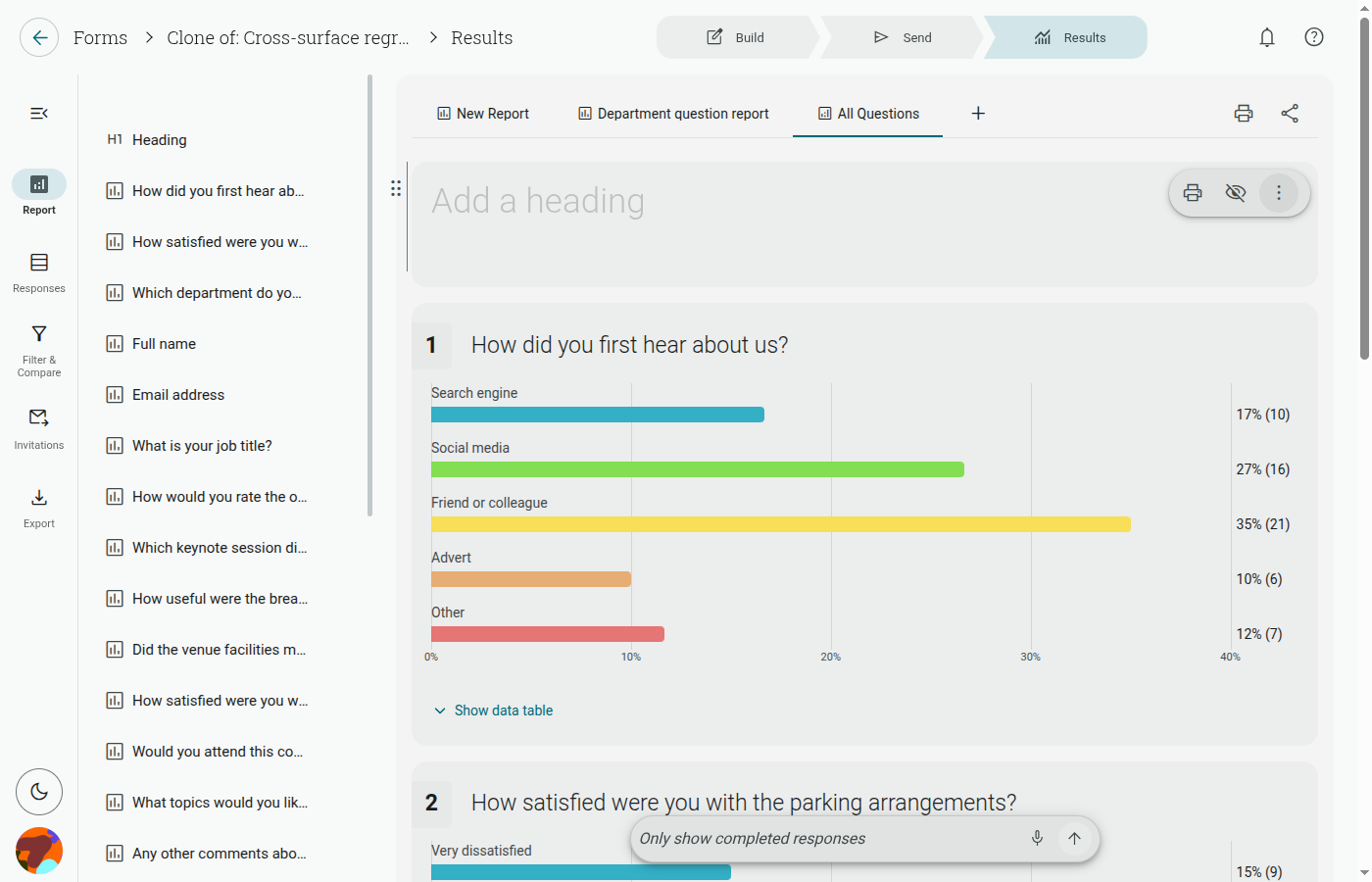
You can also describe the report, filter, or comparison you want in the AI bar at the bottom of the page. The AI bar sends only your form’s question structure — never response data — and sets up views for you; it does not interpret your results.