
How to Copy a Formula
It’s possible to duplicate any existing formulas you’ve created by:
- Click any result to open the Calculated Result popup
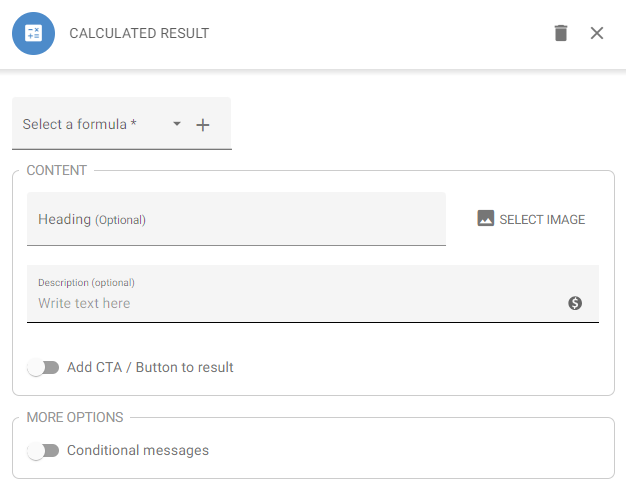
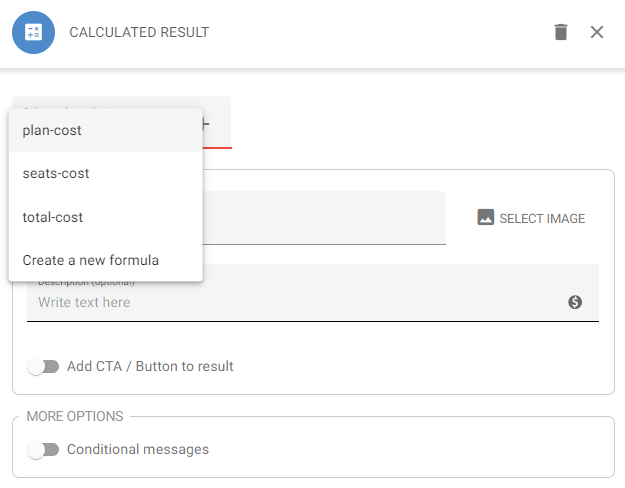
- Open the Select a formula drop-down and select the formula you’d like to copy
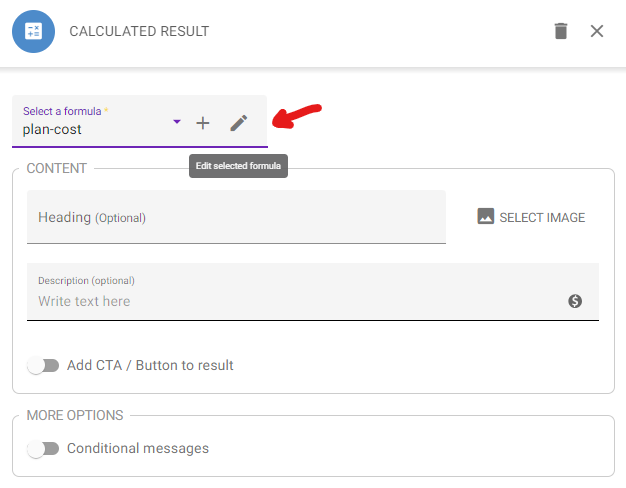
- Click the pencil icon to edit the formula
- Click the Copy icon
This will take you to your duplicated formula, named after the original with a “-copy” suffix (e.g. plan-cost becomes plan-cost-copy) — rename it in the Name your formula field if you’d like: