How to Change the Width of Email Content
Increasing the width of your email content will stretch it over the available space on the screen.
Change the width of email content
Section titled “Change the width of email content”To increase or decrease the width of your email content:
- Go to the Content section of your email
- Click Body in the left sidebar
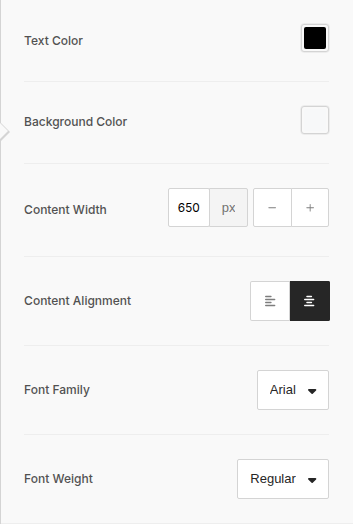
- Under the Content Width section, click the - icon to decrease the width and the + icon to increase the width. Or, type a number into the available field to set a custom width.
The default content width is 650px.