Add a Preheader to Emails
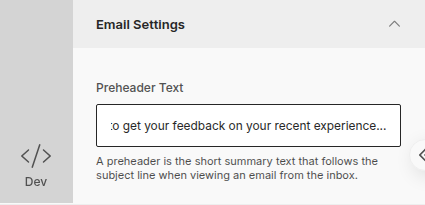
A preheader is the short summary text that follows the subject line when viewing an email from the inbox.
Add a preheader to your email
Section titled “Add a preheader to your email”- Go to the Content tab of your campaign (in the Subject / Content / Recipients / Schedule steps at the top)
- Click Body in the left sidebar of the email builder
- Open the Email Settings section
- Type your text into the field below Preheader Text