
How to Copy Questions
You’re able to duplicate questions in your survey, along with any settings you have applied.
How to Copy a Question
Section titled “How to Copy a Question”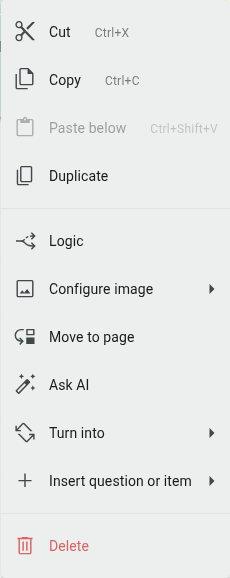
- Go to the Builder
- Click the ⋮ icon next to the question you’d like to copy
- Select ‘Duplicate’
The duplicate question will appear directly below the original.