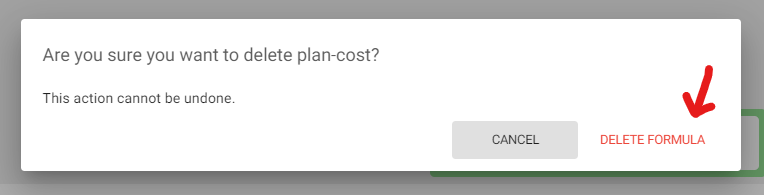
How to Delete a Formula
If you no longer need a formula in your calculator, you can delete it by:
- Click any result to open the Calculated Result popup
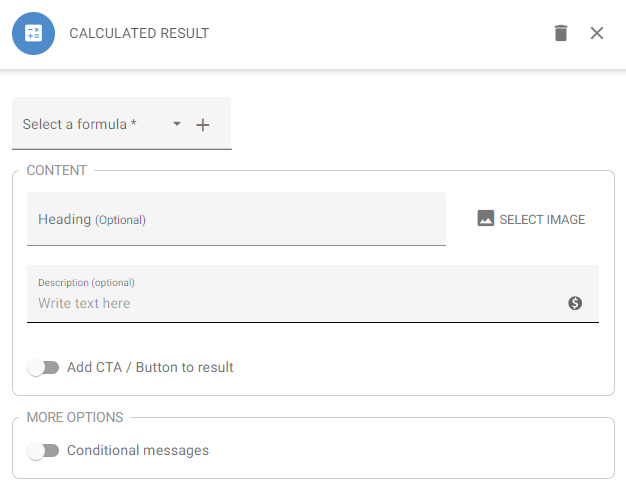
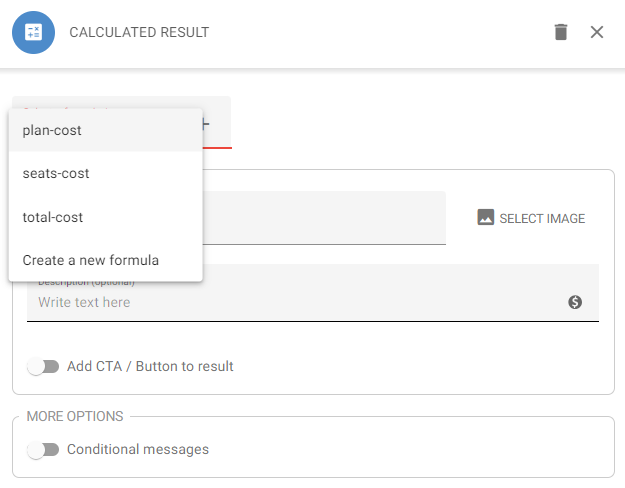
- Open the Select a formula drop-down and select the formula you’d like to delete
- Click the pencil icon to edit the formula
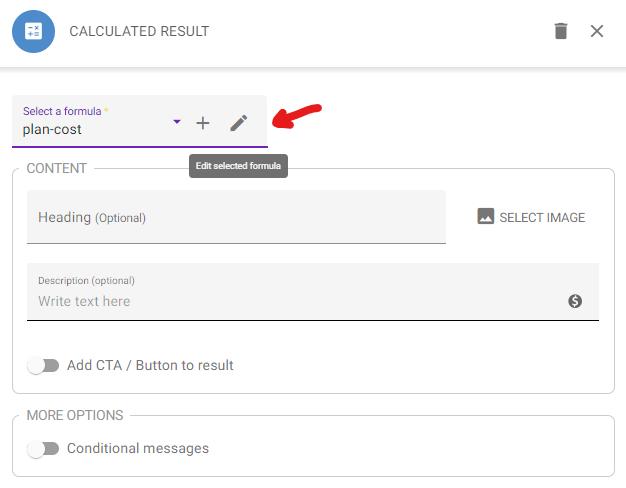
- Click the trash can icon to delete the formula
- Click Delete Formula