How to Change the Background Color in Emails
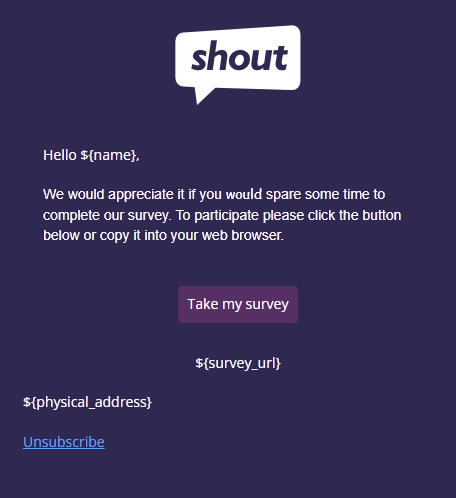
You can change the background color of your emails to align with your design preferences or branding.
Change your email background color
Section titled “Change your email background color”To change the background color for your whole email:
- Click Body in the left sidebar
- Click the colored box next to Background Color

- Use the color picker, or enter Hex/RGB values, to select a color
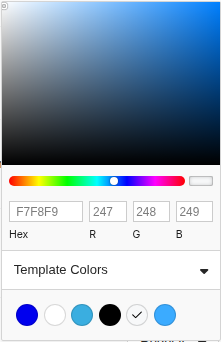
This will apply a background color to your entire email.