
QR Code
This feature allows you to download a QR code, which links to your survey/ form/ quiz when scanned by a smartphone.
How to Download the QR Code
Section titled “How to Download the QR Code”In the QR Code section of your project’s Send page, click Download SVG or Download PNG to save the code to your computer. Choose SVG if you need to resize it for print without losing quality, or PNG for a quick, ready-to-use image.
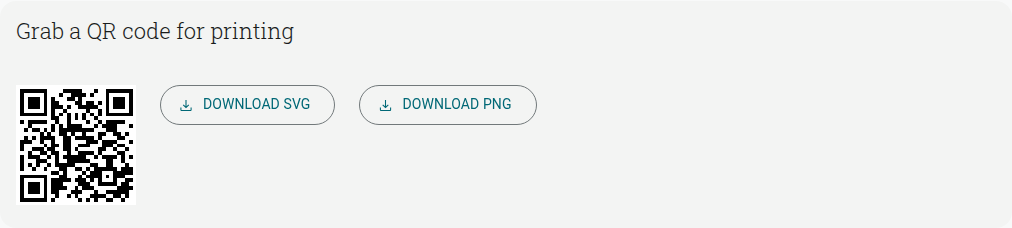
From there you’re free to use it to easily share your project.
Here are some more articles that may be useful for when you want to send and share your project: