Preview and Test Your Campaign
We recommend that you preview and test your email campaigns before sending them out, especially as different email tools may display your email differently
Previewing your email
Section titled “Previewing your email”There are two ways for your to preview your email before sending it.
Preview emails in the builder
Section titled “Preview emails in the builder”Firstly, you can preview your email whilst in the builder by clicking the eye (Preview) icon in the bottom right of the toolbar:
 This opens a preview overlay where you can switch between Desktop, Tablet, and Mobile widths, pick a specific pixel width, and toggle dark mode.
Desktop preview
Section titled “Desktop preview”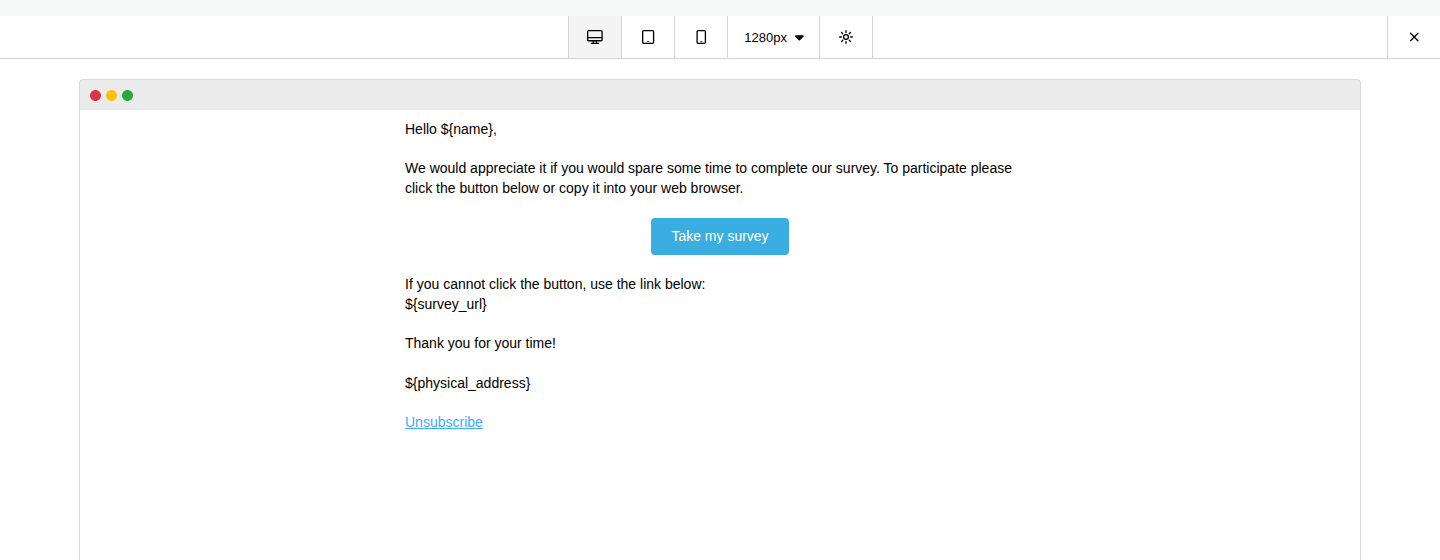
Mobile preview
Section titled “Mobile preview”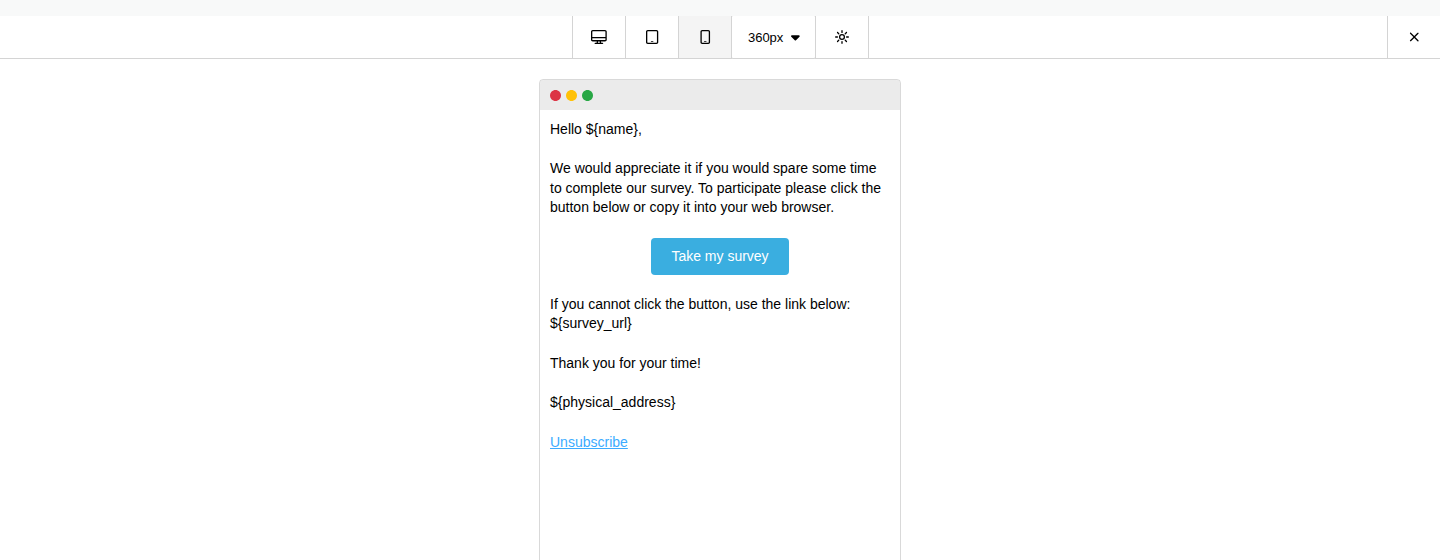
Click the X (Exit Preview) in the top right to return to editing.
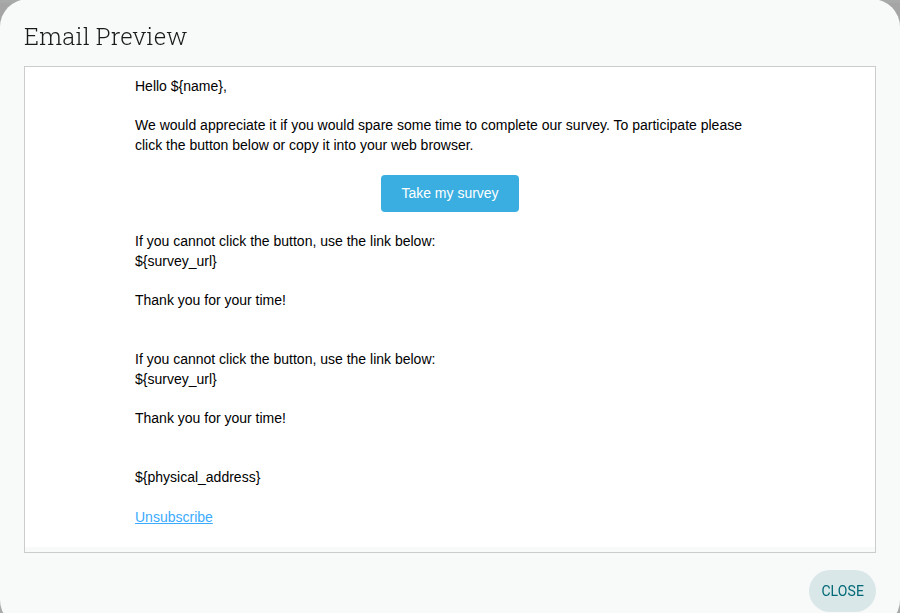
Preview emails before you send
Section titled “Preview emails before you send”Once you’ve finished customizing your email, go to the Recipients tab, choose your contacts, then click Next: Review & Send. From here you can click Preview email next to the Content section to see how your design will look: