
How to Align Content in Emails
You can align all content in your email using the global settings or align individual blocks of content in your email. But the options for each are different.
Align all content in your email
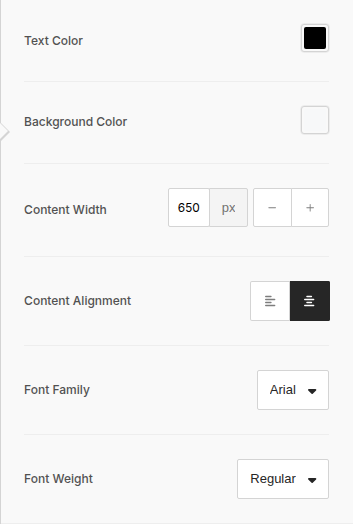
Section titled “Align all content in your email”When aligning all content in your email, you will only have two options: Left and Center.
To align all content for your email:
- Click Body in the left sidebar
- From the Content Alignment row (under the General section), select either Left or Center
By default, your content will be centered.
Align content for individual content blocks
When aligning individual content blocks in emails, you have the following options:
- Left
- Center
- Right
- Justify
To align content in a block:
- Click the content block you want to align
- Locate the Alignment option (the location of which varies depending on what content block is being used — for example, a text block shows it as Text Align in the left sidebar and in the floating formatting toolbar, while an image block shows it as Align)
- Select an alignment option