
How to Resize Images in Emails
In this article, you’ll learn how to increase and decrease the size of images in your emails.
How to resize your image
Section titled “How to resize your image”To resize your image:
- Click the image to select it — the Image panel opens in the left sidebar
- Under the Image section, turn the Width toggle from Auto On to Auto Off
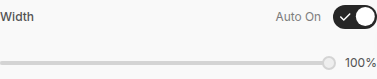
- This gives you access to a slider that changes the width of the image, shown as a percentage
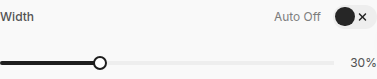
- Drag the slider (or click it and use the arrow keys) to increase or decrease the size of your image