About Contact Profile Pages
Each of your contacts has an individual profile that contains all available data about a person. From their profile you’re also able to:
- Edit their information
- Change the Lists they are a part of
- View their activity, stats and engagement
- Unsubscribe, resubscribe or delete them
Finding a contact’s profile
Section titled “Finding a contact’s profile”You can access profiles by clicking a contact’s name in your Contact list. You can use the search tool to locate individual contacts or open a List/Segment to narrow your list down first.
To find a contact profile:
- Go to Contacts

- Use the search bar to find a contact, or pick a List from the List dropdown
- Click a contact’s name in the list
Contact information
Section titled “Contact information”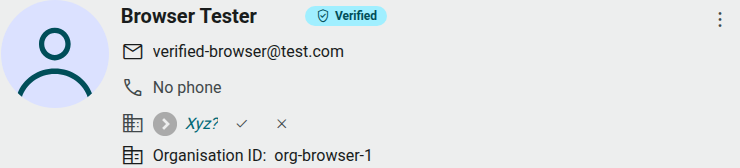
At the top of the profile you’ll see:
| Information | Description |
|---|---|
| Name | Click the pencil icon next to it to edit inline. |
| Verified badge | Shown when the contact has confirmed their identity (for example via a verified live chat session). |
| Email address | Editable inline. |
| Phone number | Shows “No phone” if none is on file. |
| Organisation | The company this contact is linked to, if any. |
Click the ⋮ (more actions) icon in this card to Send Message, Unsubscribe/Subscribe, Manage list membership, or Delete the contact.
Contact data
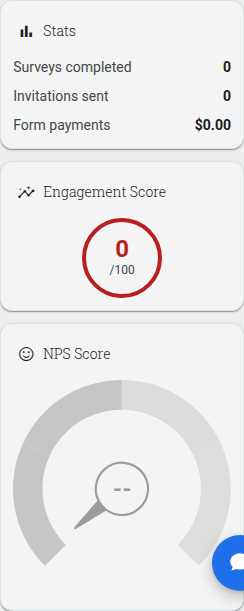
Section titled “Contact data”The Overview tab shows a Stats panel (surveys completed, invitations sent, form payments), an Engagement Score out of 100, and an NPS® Score gauge.
You can view the Lists this contact belongs to from the Details tab, and add or remove them from lists via the ⋮ menu.
Add or remove contacts from lists
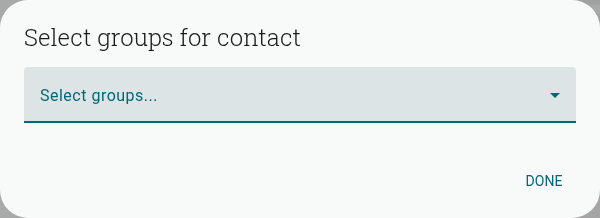
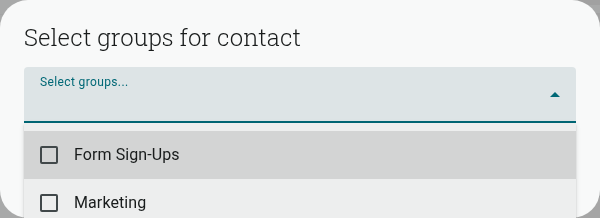
Section titled “Add or remove contacts from lists”Open the ⋮ icon on the contact’s profile and select Manage list membership to open the selector below. Choose one or more lists, then click Done.
Contact details
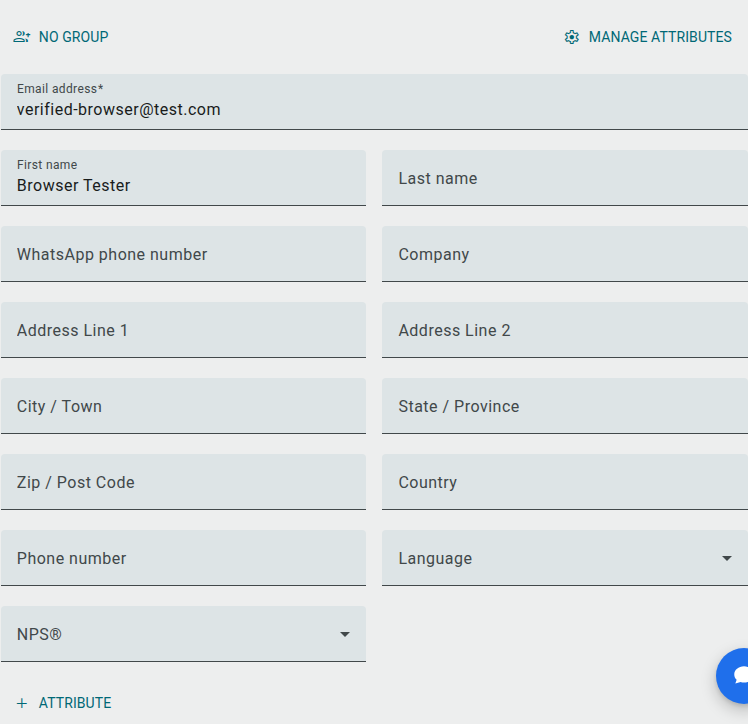
Section titled “Contact details”Switch to the Details tab to see all of your contact’s fields: email address, first/last name, WhatsApp phone number, company, address fields, phone number, language and NPS®. There’s no separate edit mode — click into any field and change it directly; changes save automatically as you tab out or move on. Use + Attribute to add a custom field, or Manage attributes to edit/delete existing ones.
Activity feed
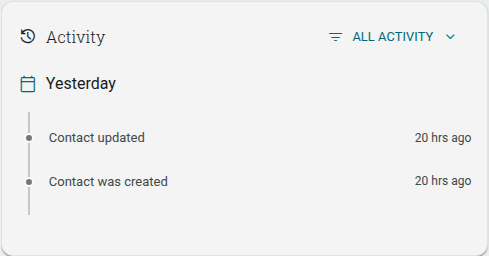
Section titled “Activity feed”The Overview tab’s Activity feed displays a timeline of events related to a contact (contact created, added to a list, updates, messages sent, and so on), grouped by day. Use the All activity dropdown to filter the feed.