
Available apps
Which apps can I connect?
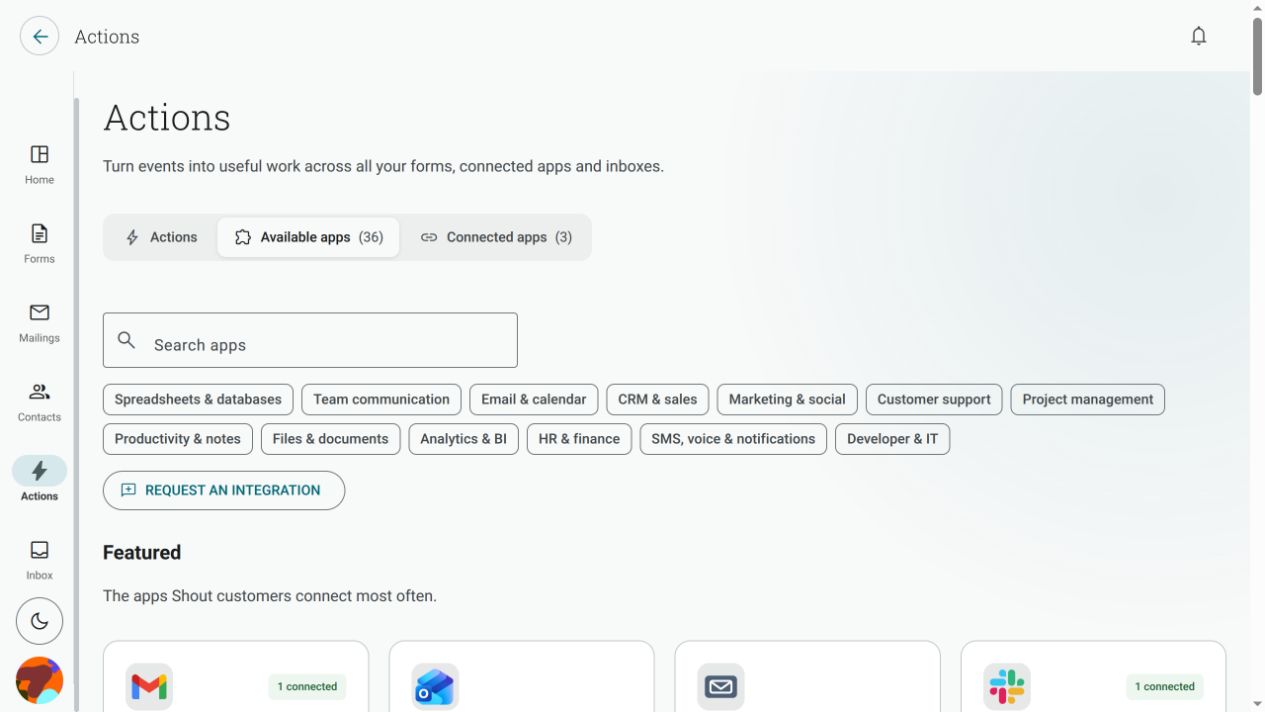
Section titled “Which apps can I connect?”Open Actions → Available apps. The page shows the current catalogue, featured apps, search, categories and the steps each app supports. App availability can change, so use this page rather than a copied list.
The catalogue is a finite list of supported app entries. The list checked for this article was:
- Spreadsheets and databases: Databricks, Excel Online (Business), Google Sheets, Informix, Snowflake and SQL Server
- Team communication: Google Chat, GoToWebinar, Microsoft Teams and Slack
- Email and calendar: Gmail, Google Calendar, Office 365 Outlook, Other email (SMTP) and Outlook / Microsoft 365
- Sales and customer databases: HubSpot and Salesforce
- Marketing and social: ActiveCampaign, Benchmark Email, ConvertKit, Dynamics 365 Customer Insights and Mailchimp
- Customer support: UserVoice and Zendesk
- Project management: Asana, Jira, monday, Planner and Trello
- Productivity and notes: Microsoft To-Do (Business) and Notion
- Files and documents: SharePoint
- Analytics and BI: Power BI
- HR and finance: Dynamics 365 Business Central, Dynamics 365 Business Central (on-premises), Dynamics NAV and Fin & Ops Apps (Dynamics 365)
- SMS, voice and notifications: Twilio
- Developer and IT: GitHub
The catalogue also shows the outcomes available for each app, such as Adds rows, Imports contacts, Creates events, Creates tasks, Creates leads, Creates tickets, Creates notes, Sends email, Sends messages or Sends SMS. Those outcomes are the authoritative indicator of what you can do with that app in an Action.
What does No actions yet mean?
Section titled “What does No actions yet mean?”It means Shout can list or connect the app, but there is not yet an Action step available for it. You cannot use that app as a step until an outcome is shown for it.
Is my app supported?
Section titled “Is my app supported?”The Available apps catalogue is the current list of supported apps and the outcomes available for each one. It is intentionally a finite list, not a directory of every service that Shout could possibly connect to.
Use the catalogue to check whether your app is supported before building an Action. The catalogue can change as integrations are added or updated, so treat the page in the app as the source of truth rather than relying on an old screenshot or copied list.
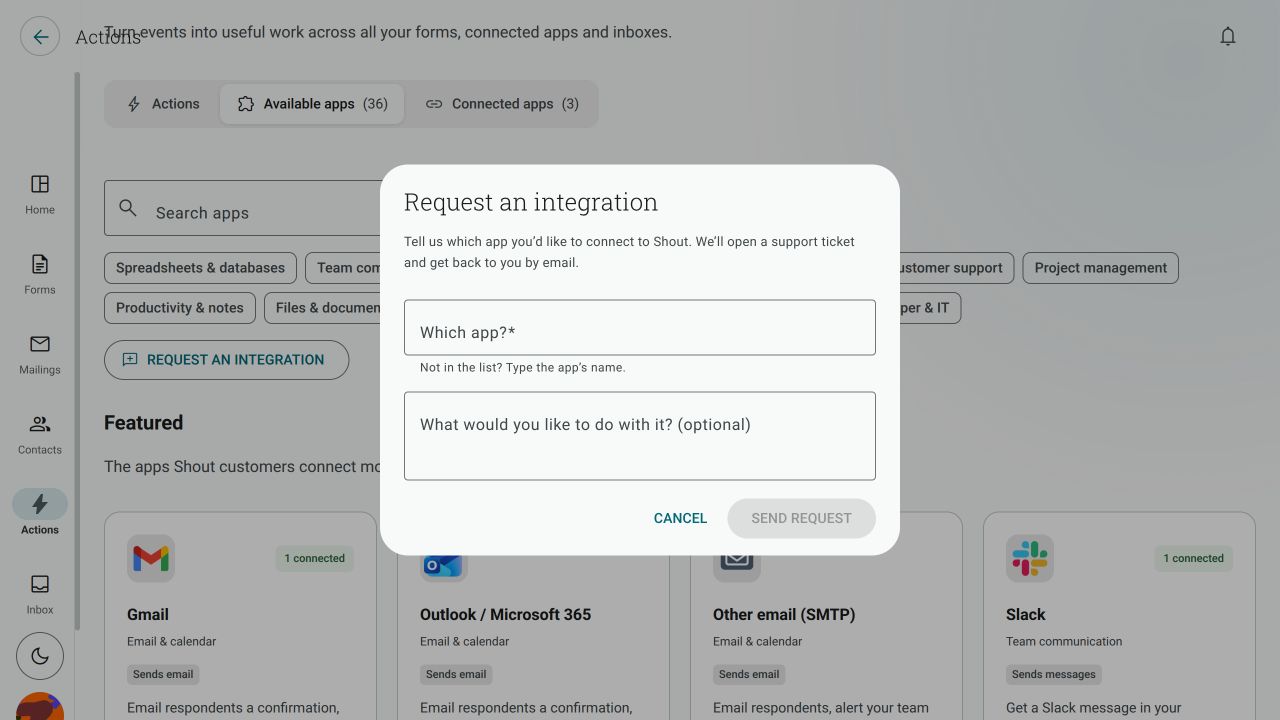
If the app you need is not in the catalogue, you can use Request an integration to tell us what you want to connect and what you want Shout to do. This sends a request for consideration; it does not mean that the app is currently supported or that it will be added automatically.
Can I import contacts from every available app?
Section titled “Can I import contacts from every available app?”No. Sending data to an app and reading contacts from it are different capabilities. The contact importer shows only sources that can provide contact records back to Shout. Look for the app in the contact import wizard rather than assuming that every app in this catalogue can be an import source.