
Reuse document templates
A template keeps the document, its fields and signer roles for future use. It saves you from preparing the same PDF each time.
Save a PDF-only template
Section titled “Save a PDF-only template”On the final Send step, select Keep this document to send again and enter a template name. The saved template contains the document, fields and signer roles. Recipient names, email addresses and the invitation message are not kept.
Where available, you can also select Save as template from a document request’s menu.
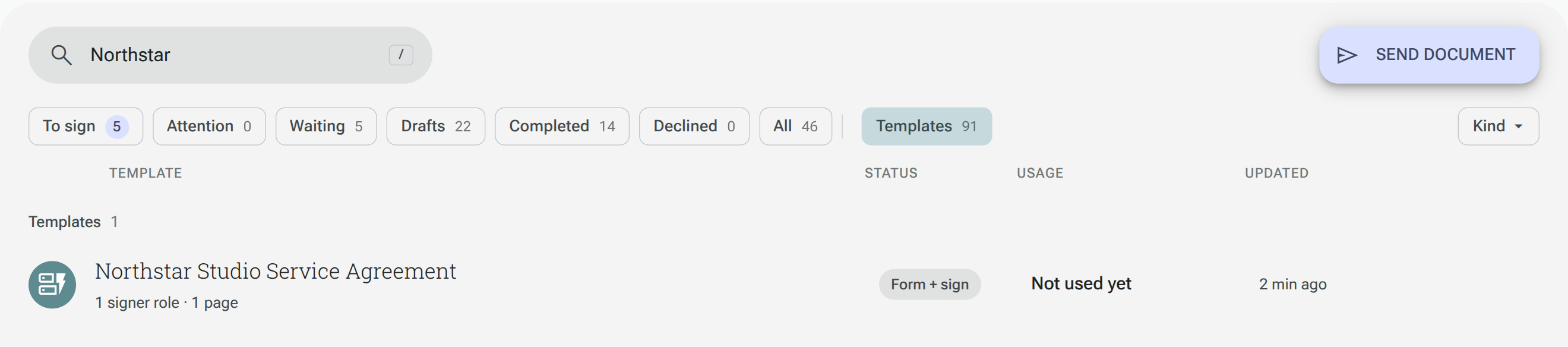
Use a template
Section titled “Use a template”- Open eSign and select Templates.
- Select the template you want to use.
- Review its signer roles and preview the Document PDF.
- Select Send from this template for a PDF-only template.
- Check the document, enter the new recipients and review the message before sending.
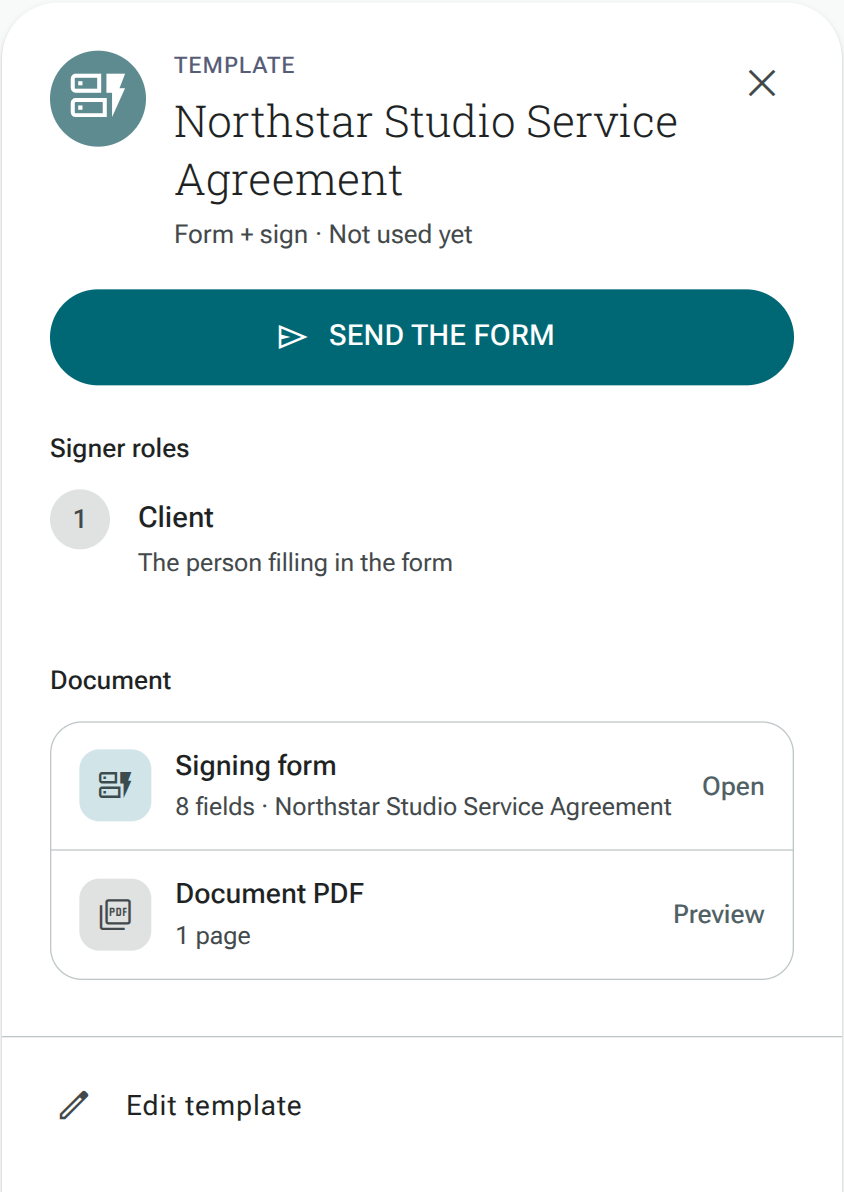
A form template shows Signing form and Send the form instead. Open the form to review its questions and signing setup; Edit template opens the form when that action is available.
Review the recipient details and document content for each new use, even when the template was correct for a previous request.