
Choose a ticket starter
The starter determines which ticket event begins an inbox rule. Choose the starter when you create the rule, then add the actions to perform.
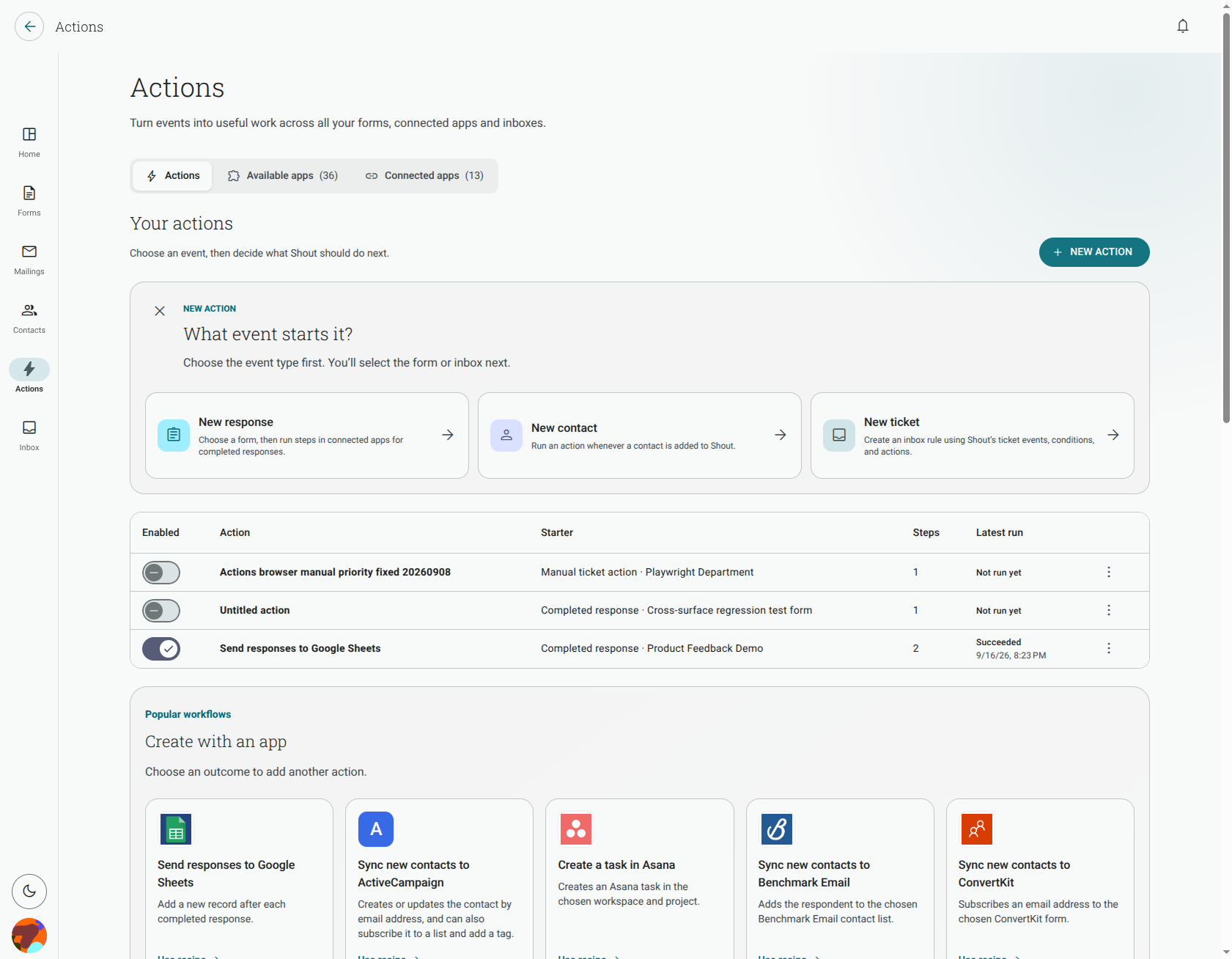
New ticket
Section titled “New ticket”New ticket starts when a new ticket arrives in the selected inbox. Use it to assign, label, prioritise or route a ticket as soon as it is created, or to notify another team.
Ticket updated
Section titled “Ticket updated”Ticket updated starts when a teammate or the API changes a ticket’s status, priority or assignee. It does not run for every change to a ticket. Changes made by Actions do not start another run, so a rule cannot trigger itself through its own ticket update.
Manual ticket action
Section titled “Manual ticket action”Manual ticket action runs when a teammate starts the rule from a ticket that matches its conditions. Use this when a teammate should decide when the rule runs.
Scheduled ticket rule
Section titled “Scheduled ticket rule”Scheduled ticket rule checks tickets after a period you choose, such as when a customer has been waiting too long. A ticket that does not match the conditions yet is checked again later. See scheduled ticket rules for the time fields and limits.
Is there a starter for a customer reply?
Section titled “Is there a starter for a customer reply?”No. The inbox starters currently available are New ticket, Ticket updated, Manual ticket action and Scheduled ticket rule. A customer message by itself is not a separate starter.