
Add a contact to a mailing list or customer database
The Add a contact step sends contact details from a completed response to a mailing or contact-management app. It is one-way: adding someone to an external app does not add them to Shout’s Contacts list.
How do I add form respondents to Mailchimp?
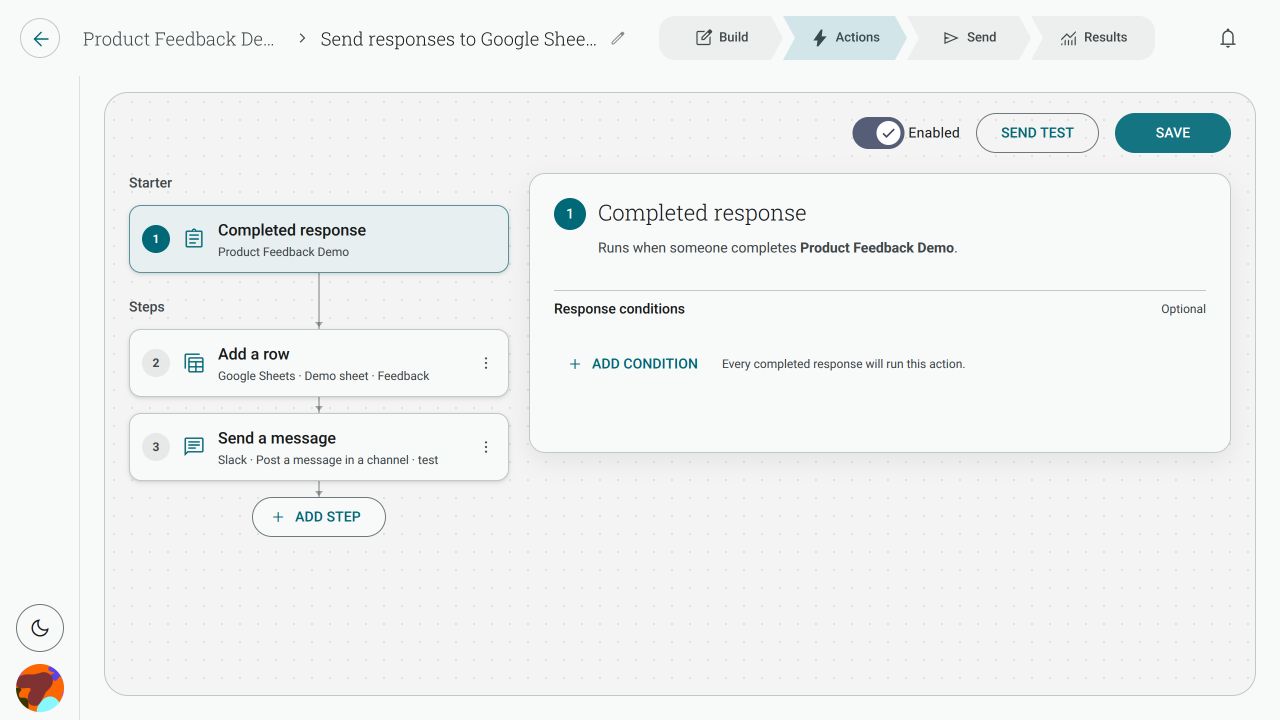
Section titled “How do I add form respondents to Mailchimp?”- Open the form’s Actions tab and create an Action with Completed response as its starter.
- Click Add step and choose Add a contact.
- Select Mailchimp and choose the audience.
- Map Email address, First name and Last name to the contact details collected by the form. Email is required.
- Save the Action, review the destination and enable it.
In the current Mailchimp setup, Shout describes this as adding the respondent as a subscribed member. The audience is selected in the step; it is not inferred from the form.
What is the How dropdown for?
Section titled “What is the How dropdown for?”The outcome stays Add a contact, while the How dropdown appears for apps that offer more than one way to do it. For example, an app may let you choose a form, sequence or tag. Mailchimp’s current step selects an audience directly and does not show a separate How choice.
What happens if the contact already exists?
Section titled “What happens if the contact already exists?”The destination app identifies a contact using its own rules, normally including the email address. The result therefore depends on the app and destination selected. Check the Action run result and the destination audience before retrying; do not assume that retrying is harmless.
Does this add the person to Shout Contacts too?
Section titled “Does this add the person to Shout Contacts too?”No. Add a contact sends the mapped details to the connected app. It does not create a second Shout contact as part of that step.
Do I need consent?
Section titled “Do I need consent?”Yes. Only send people to a mailing list when they have agreed to hear from you. The form and the destination app may have additional consent requirements, so make sure your collection wording and audience settings match your use case.