Email Campaigns
Use email campaigns to invite contacts to a form, send targeted follow-ups and understand the path from delivery to a completed response.
Create and manage campaigns
Section titled “Create and manage campaigns”- Create and Manage Email Invitation Campaigns explains the complete four-section setup.
- Choose Campaign Recipients covers groups, segments, exclusions, filters, eligibility and the preview list.
- Schedule and Manage Email Campaigns covers drafts, scheduling, statuses and campaign actions.
- Send Follow-up Reminders and Thank-yous covers tracked follow-up audiences, multiple reminders and send-time eligibility.
- Understand Campaign Reports explains delivery, engagement, recipients, links, responses and the follow-up thread.
Design an email
Section titled “Design an email”Use the Email design, Design blocks and Merge tags sections in the sidebar for detailed help with the email designer. Start with Preview and Test Your Campaign and Required Data in Email Invitations.
Use Email delivery for sender verification, delivery problems and list-quality guidance.
Find your campaigns
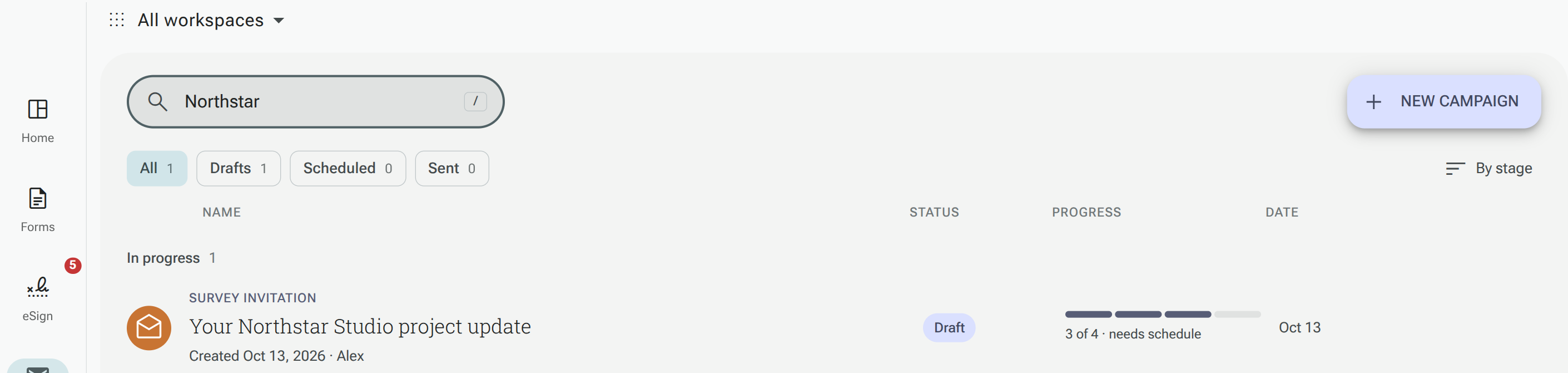
Section titled “Find your campaigns”Open Mailings to find your campaigns. Use the workspace selector, search and view chips to focus the table. Select a campaign to open its details, or choose New campaign to create one.