
Documents
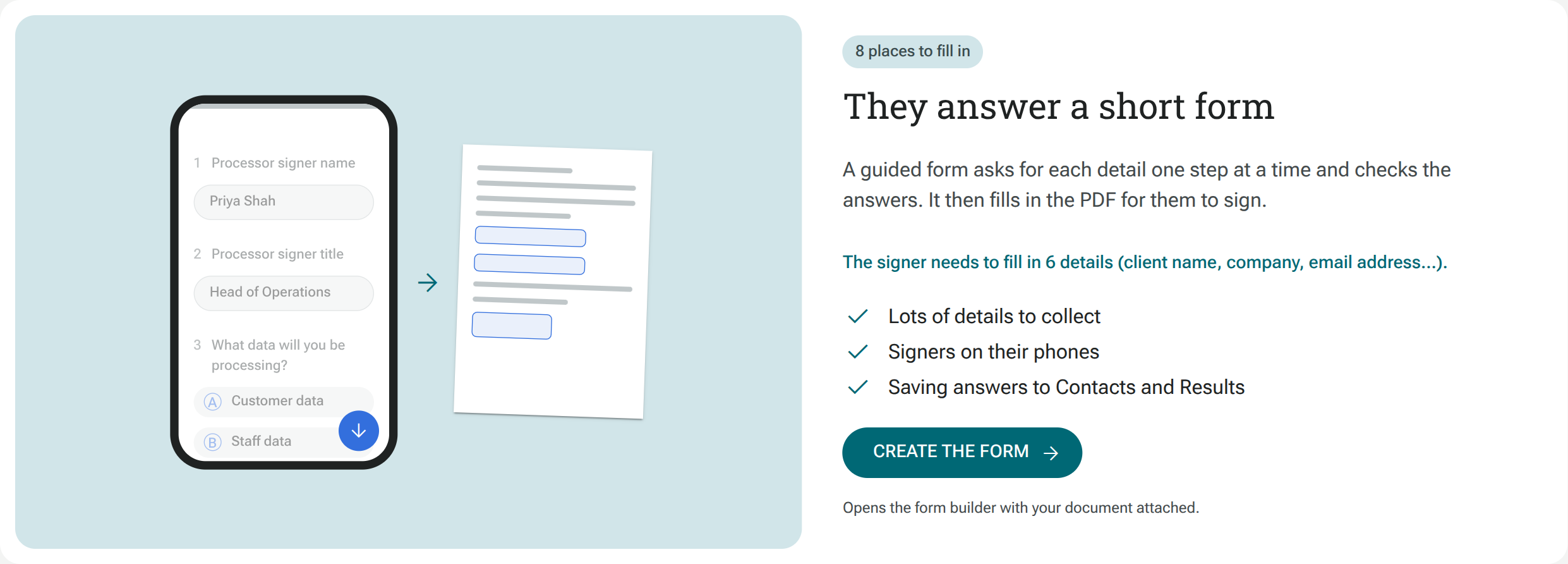
Open eSign in the main navigation to use Documents. You can collect signatures in two ways: send a PDF for people to fill in directly, or combine your PDF with a guided form that collects the answers first.
Choose your workflow
Section titled “Choose your workflow”| Form plus document | PDF-only signing | |
|---|---|---|
| How people fill it in | Answer form questions, then review and sign the filled PDF | Open the PDF, fill its boxes and sign |
| Best suited to | Several details, phone users, validation and conditional questions | A few fields and a ready-to-send document |
| Answer checks | Form question types and validation | Required fields on the PDF |
| Conditional questions and sections | Show or hide form questions and section pages using earlier answers | Details collected directly on the document |
| Signing | Review and sign the filled PDF after answering the form | Fill in and sign the PDF |
| Results | Form answers in Results, with signing records in Documents | Signing records in Documents |
Start with choosing a document workflow, then follow the guide to send a PDF or create a form with a document.
Prepare, send and track
Section titled “Prepare, send and track”- Show or hide form sections using earlier answers.
- Manage signing requests and download completed documents.
- Reuse a document template.
- Understand the signing experience.
Before signing, read the electronic signature disclosure.