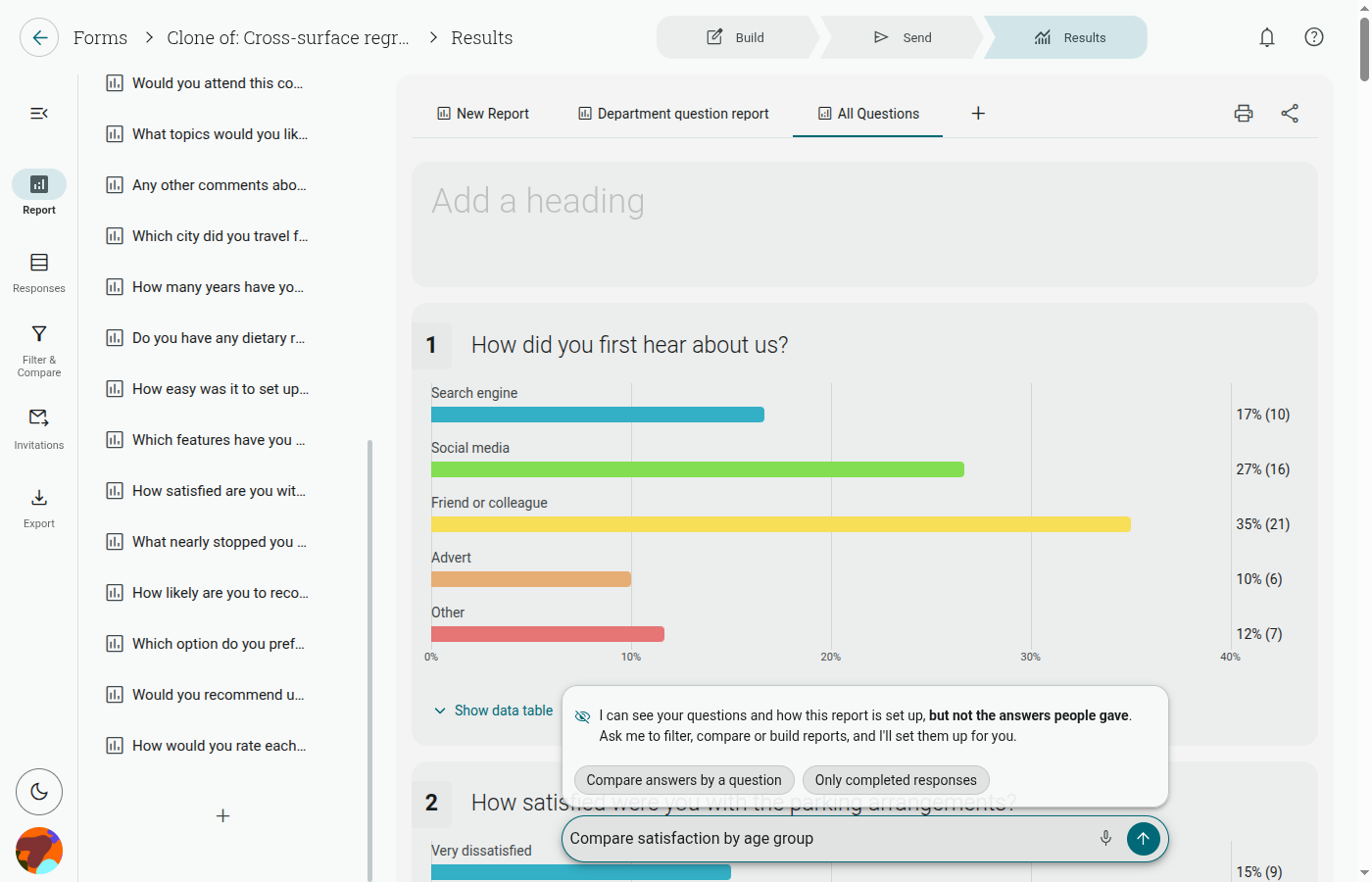
Results
The Results area brings your response data, reports, filters, comparisons, invitations, and printing tools together in one place.
Start with Summary report, or open a custom report from the report tabs across the top of the report canvas. Use the left rail to switch between the report outline, Responses, Filter & Compare, Invitations, and Export.
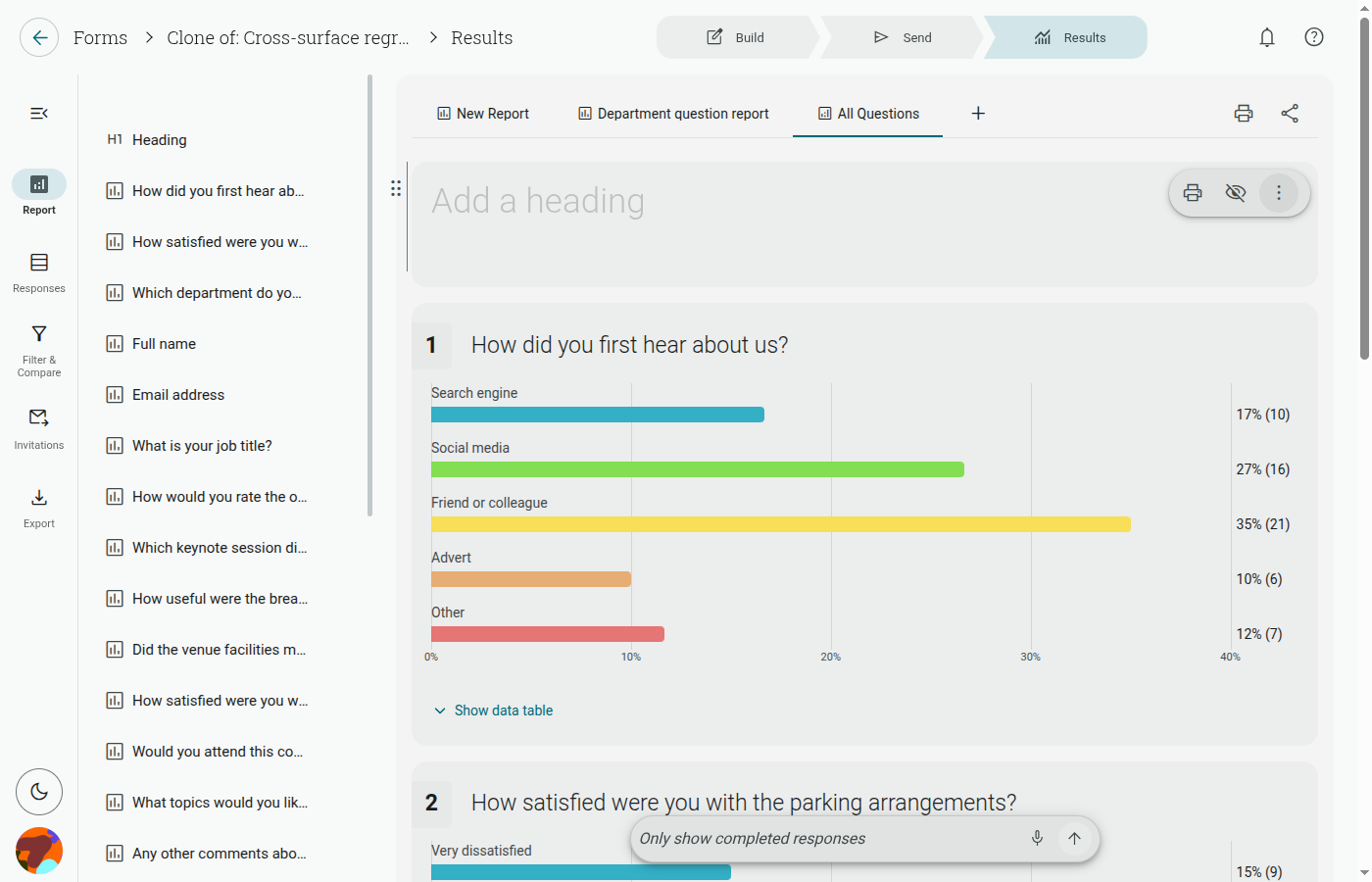
You can also describe the report, filter, or comparison you want in the AI bar at the bottom of the page. It receives your request and recent conversation, form and report structure, filter settings, aggregate response counts, and contact-group, field and campaign metadata. It sets up reports and views; it does not receive individual response records as an analysis dataset. Information you type or include in filter values is part of the request.