
Run an Action when a contact is created
The New contact starter runs an Action when Shout creates a new contact record. Use it to add the contact to a connected customer database or mailing list, or to send an email from a team inbox.
How do I create a contact-created Action?
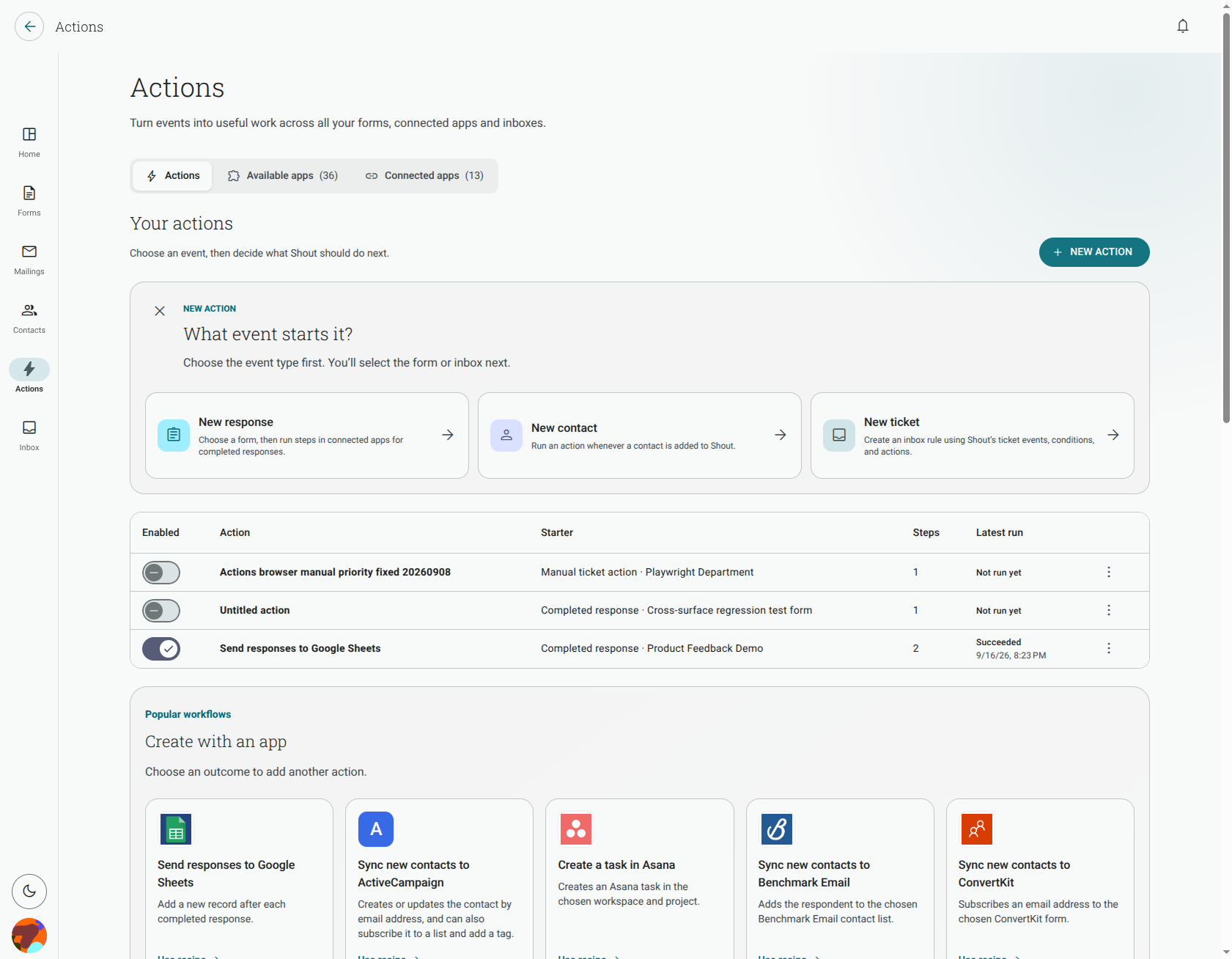
Section titled “How do I create a contact-created Action?”- Open Actions and click New action.
- Choose New contact as the starter.
- Click Add step and choose Add a contact, then select the connected app and destination.
- Optionally add Send an email. Configure the sender, recipient, subject and message.
- Save, test with safe data, and enable the Action.
The New contact starter is available to workspace administrators. Unlike a completed-response Action, it is not tied to one form.
Can I send a new contact to a spreadsheet?
Section titled “Can I send a new contact to a spreadsheet?”No. For this starter, the available outcomes are Add a contact and Send an email. To add a spreadsheet row, use a completed-response starter instead.
What happens when I import contacts from an app?
Section titled “What happens when I import contacts from an app?”A newly imported row that creates a new Shout contact can start the Action. A row matched to an existing contact does not start it again, whether the import is configured to update, skip or leave that existing contact unchanged.
Each new contact starts the Action once. Check the Action’s run history if a connected-app step or email cannot be completed.