
Choose a starter and add conditions
The starter decides which Shout event begins an Action. Conditions then narrow the events that the Action accepts.
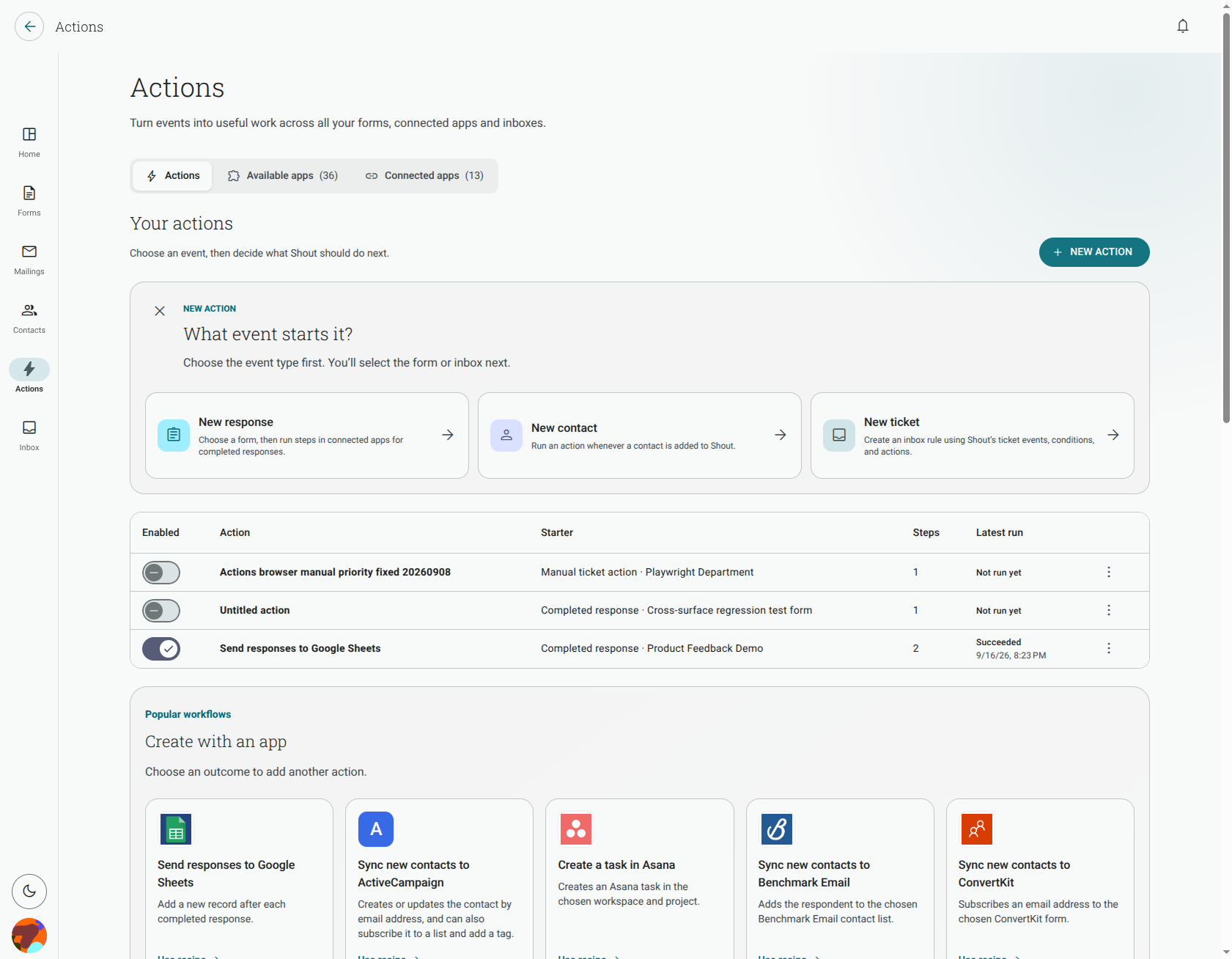
Which starters can I use?
Section titled “Which starters can I use?”The available starters are:
- Completed response — runs when someone completes the form you choose.
- Contact created — runs when a contact is added to Shout.
- Ticket created — runs when a new ticket is created.
- Ticket updated — runs when a ticket changes.
- Manual ticket — runs when a user starts the Action for a ticket.
- Scheduled ticket — runs on the schedule configured for the ticket Action.
Form-response Actions run on completed responses only. A partial or abandoned response does not start the Action.
What happens if I add no conditions?
Section titled “What happens if I add no conditions?”The Action runs for every event that matches its starter. For a completed-response starter, that means every completed response for the selected form.
Can I run an Action only when someone picks a specific answer?
Section titled “Can I run an Action only when someone picks a specific answer?”Yes. In the Action editor, add a condition and choose a supported choice question. Then select the operator and answer that should match. You can also add conditions for rating, scale and matrix questions.
The available operators depend on the question type. For example, a single-choice question can be matched with is or is not, while a multiple-choice question can use has any of, has all of or has none of. Numeric questions can use scores between.
Can I match several answers with “any of” rather than “all of”?
Section titled “Can I match several answers with “any of” rather than “all of”?”Yes. Add the conditions to one condition group, then choose whether the group should match all conditions or any condition:
- All means every condition in the group must match.
- Any means at least one condition in the group must match.
You can use multiple conditions in the same group, such as “rating is at least 4” and “attending is Yes”.
Why does my Action say Skipped instead of failing?
Section titled “Why does my Action say Skipped instead of failing?”Skipped means the event reached the Action but its conditions did not match. This is normal and means the Action correctly chose not to run its steps. It is different from Failed, which means the Action tried to run and a step or its configuration could not complete.
What happens if I delete a question used by a condition?
Section titled “What happens if I delete a question used by a condition?”The condition becomes invalid because its source question is no longer available. Edit the Action and remove the invalid condition or replace it with a condition based on an available question. Until you fix it, the Action cannot evaluate that condition correctly.