
Read an Action's latest run and fix failures
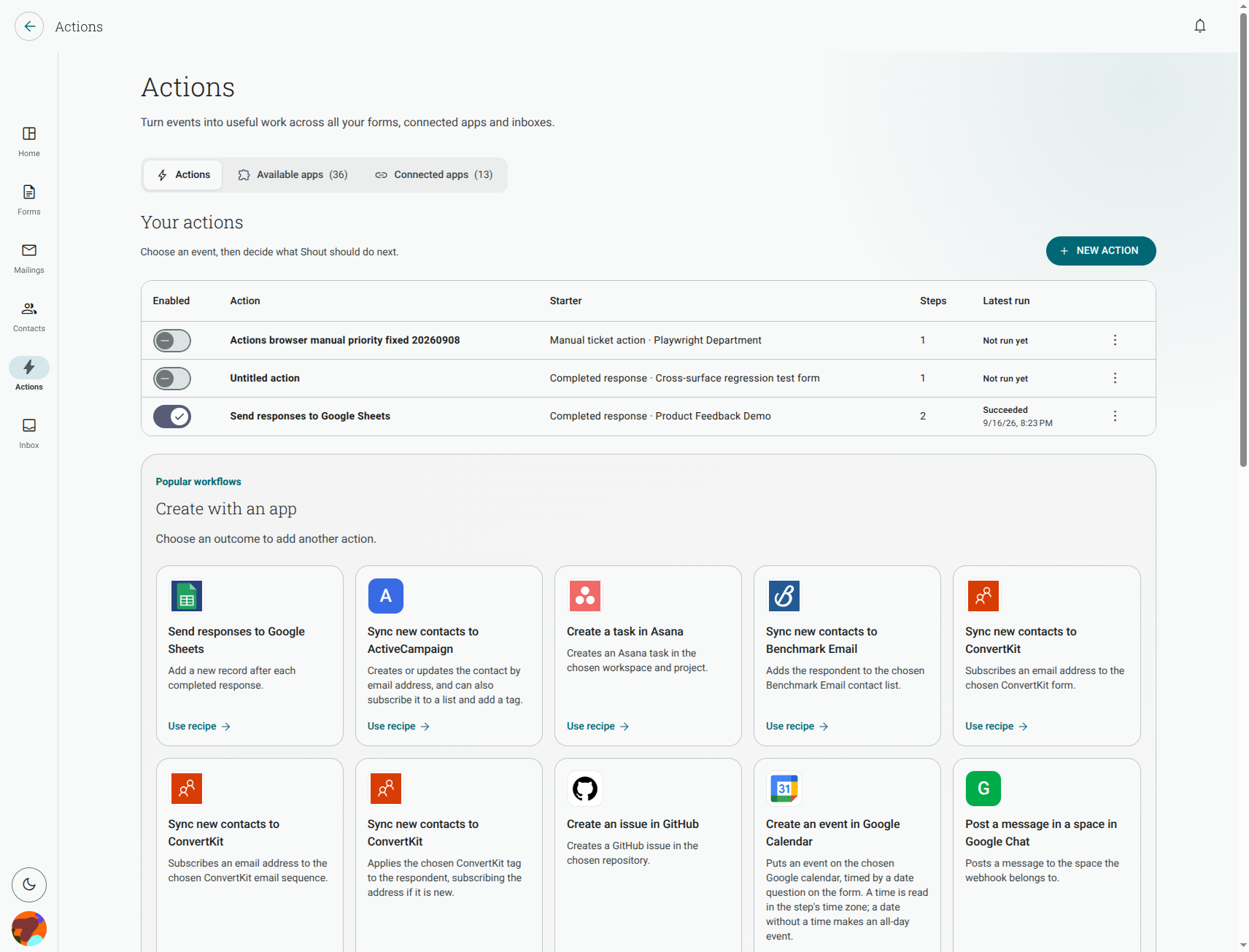
Go to Actions and look at the Action’s Latest run. The status tells you whether the starter was accepted and what happened while the steps ran.
What do the run statuses mean?
Section titled “What do the run statuses mean?”- Not run yet — the Action has not run.
- Succeeded — all steps completed.
- Skipped — the starter event arrived, but the Action’s conditions did not match.
- Failed — a step or its configuration could not complete.
- Running — the Action is still processing.
- Delivery unconfirmed — Shout could not confirm whether the connected app made the change.
The current Actions list shows the latest run for each Action. It is not a complete archive of every previous run, so use the destination app to check for earlier records when you investigate a duplicate or an unconfirmed result.
My step says the connection needs attention. What do I do?
Section titled “My step says the connection needs attention. What do I do?”Open the connection settings, fix the reported problem, and try the Action again. Common causes include an expired sign-in, revoked access, or a permission that the app no longer grants.
If the connection needs authorisation, reconnect it from Actions → Connected apps. Then return to the Action and check the step’s destination before testing again.
What do common app errors mean?
Section titled “What do common app errors mean?”The app refused permission
Section titled “The app refused permission”The connected account can sign in but cannot use the selected destination. Check sharing and access permissions in the app, then refresh the step’s destination list.
The destination was not found
Section titled “The destination was not found”The selected channel, sheet, list, project or other destination was deleted, renamed, or is no longer visible to the connected account. Choose an available destination again.
The app is rate-limiting requests
Section titled “The app is rate-limiting requests”The app is temporarily limiting Shout. Wait a few minutes and try again. If the problem continues, check the app’s status and usage limits.
The app is unavailable
Section titled “The app is unavailable”The third-party service could not be reached or did not respond in time. Check its status, then try again once it is available.
Will Shout retry a failed step automatically?
Section titled “Will Shout retry a failed step automatically?”No automatic retry is performed by the Action run. Fix the connection, destination or mapping and run it again when appropriate.
If the status is Delivery unconfirmed, check the destination before retrying. A remote app may have accepted the change even though Shout did not receive confirmation.